
RESEÑAS
You may also like
More from Wahoo
Recently viewed
files/kickr_core_2_zc.jpg
09:19 AM
Skip to contentfiles/kickr_core_2_zc.jpg
09:19 AM
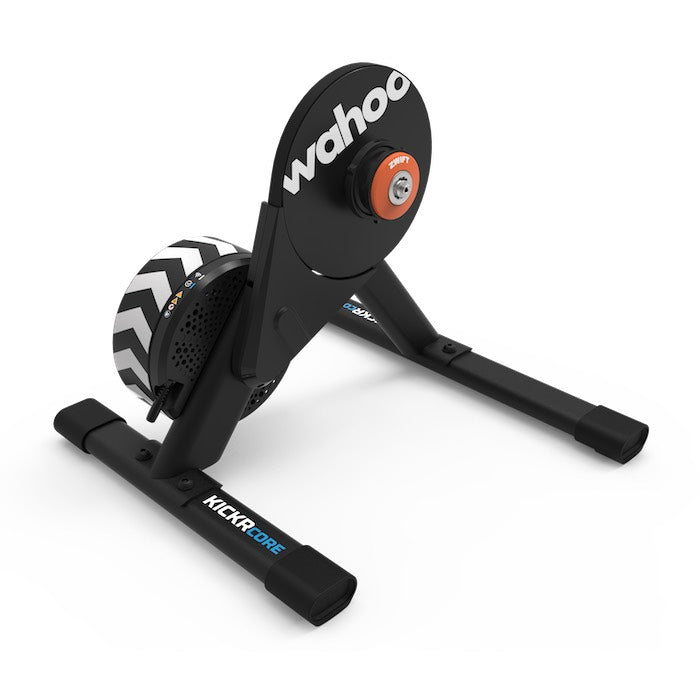
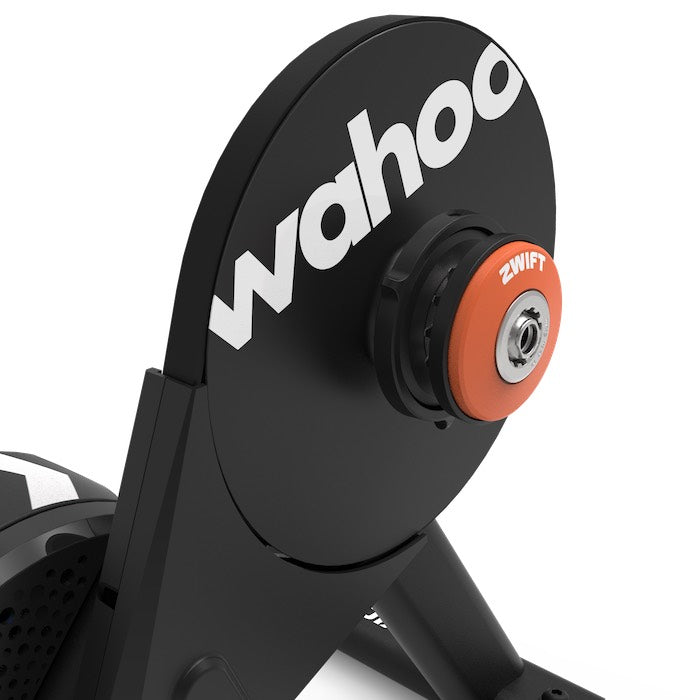
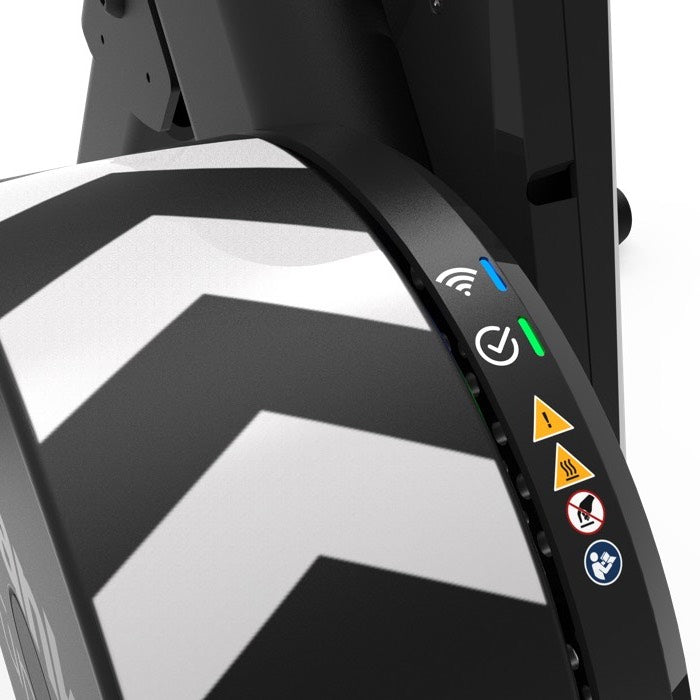
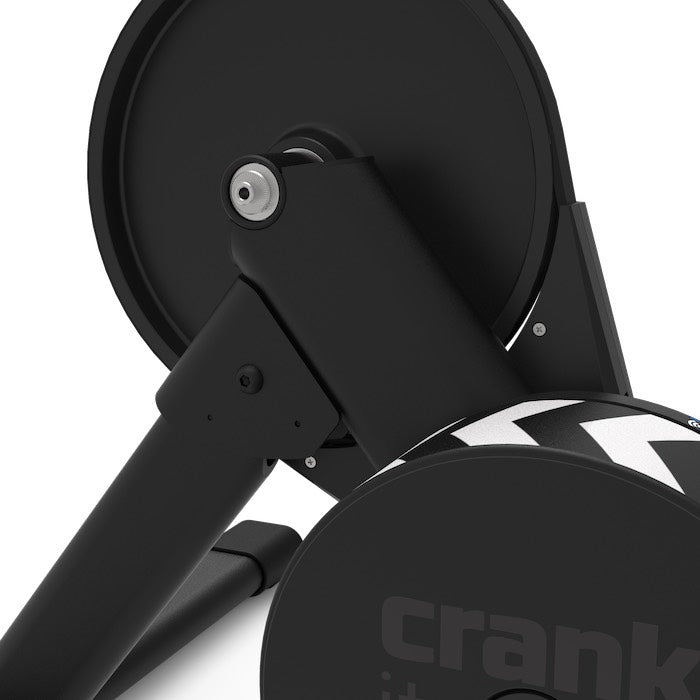
The Wahoo KICKR CORE 2 with Zwift Cog and Click unlocks a world of fun and fitness in indoor cycling. With the Zwift Cog pre-installed, you have everything you need to achieve your goals, plus it's compatible with almost any 8 to 13-speed bike.
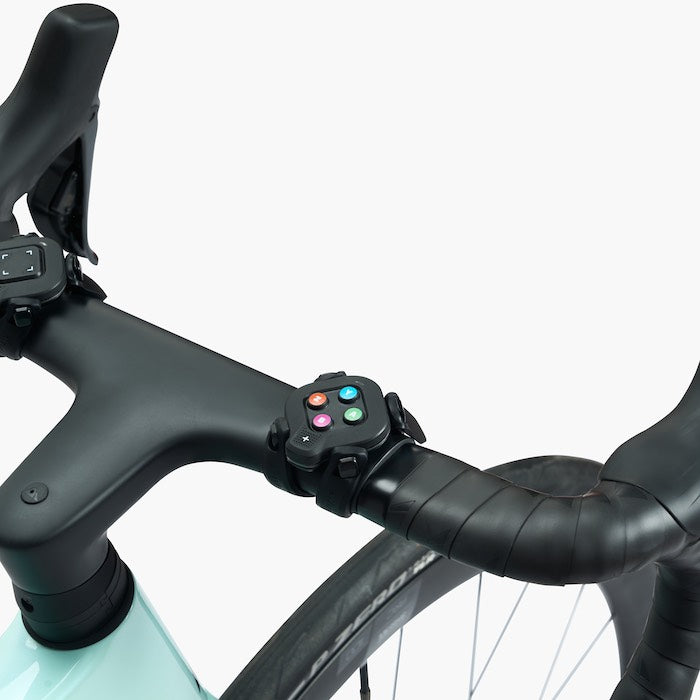
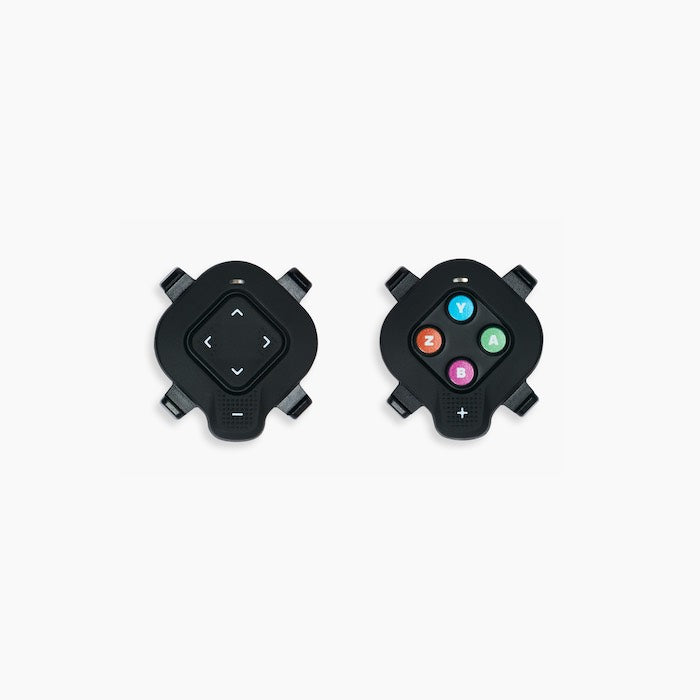
Zwift Click mounts effortlessly to any handlebar for silent, seamless virtual shifting, and puts full Zwift control at your fingertips: steering, navigating menus, giving Ride Ons, and more. Experience smart resistance that perfectly mimics every climb and descent and take your training to the next level with the integrated power meter.
FEATURES
SPECIFICATIONS
| Product Weight | 18 kg / 40 lb |
| Resistance Type | Electromagnetic |
| Cassette | Zwift Cog pre-installed |
| Compatible Hub Types | 130/135 mm QR, 12x142 mm Thru Axle and 12x148 mm Thru Axle |
| Adapters Included | 130/135 mm QR adapter + reversible hub spacer; side adapters for 12x142/12x148 + hub spacer; 1.8 mm cassette spacer. |
| Maximum Rider Weight | 113 kg / 250 lb |
| Zwift Click | Bluetooth communication; powered by CR2032 battery (included) |
| What's in the Box | KICKR CORE 2 Smart Trainer; drive side adapter for quick release; 130/135 mm reversible hub spacer; non-drive side adapters for 12x142/12x148; drive side adapter for thru axle; AC power adapter; Zwift Cog (pre-installed); Zwift Click. |
| Setup | Requires assembly and cassette installation (Zwift Cog already included). It is recommended to follow the included guide or installation video. |
| Frame Compatibility | Compatible with frames that support 130/135 QR or 12x142 / 12x148 thru axles using the included adapters. |
| Drivetrain Compatibility | Compatible with most 8–12 speed drivetrains; includes cassette spacer for fine-tuning. Consult brand/model compatibility in the product guide. |
| Installation Instructions | Follow the included printed guide. Installation by technical personnel is recommended if you do not have experience installing cassettes and adapters. |
| Compatible Devices | iPhone / iPad (iOS 16 or later); Android (see compatibility on support site); macOS/Windows (Bluetooth or ANT+ with dongle). Bluetooth required for Zwift virtual shifting. |
SIGN UP! Receive special offers, exclusive product news, and event information directly in your inbox
No stores match your search.
Location access blocked. Search by city instead.
Use two fingers to zoom the map
This map is hosted by a third-party provider. Click to load it.